MHC Clinic Login (for clinics)1.24
Publisher Description
MHC Clinic Login app allows doctors and clinic assistants to create Open Visit records for Medical Claim submissions in Singapore.
Features:
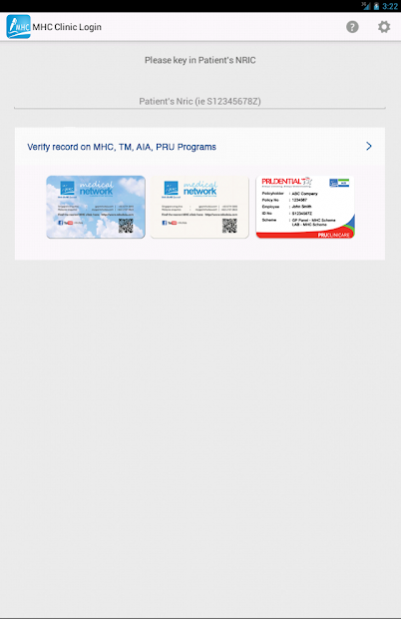
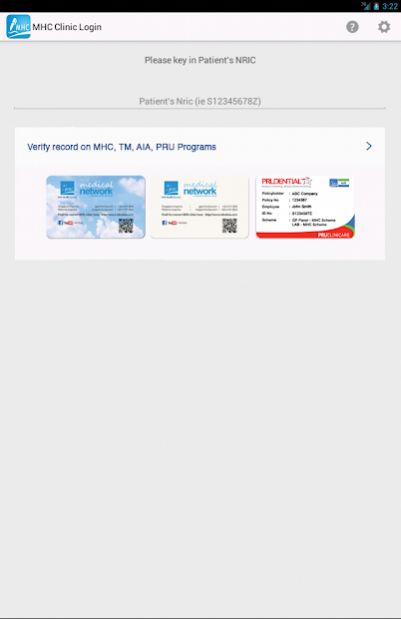
✔ Verify Patient
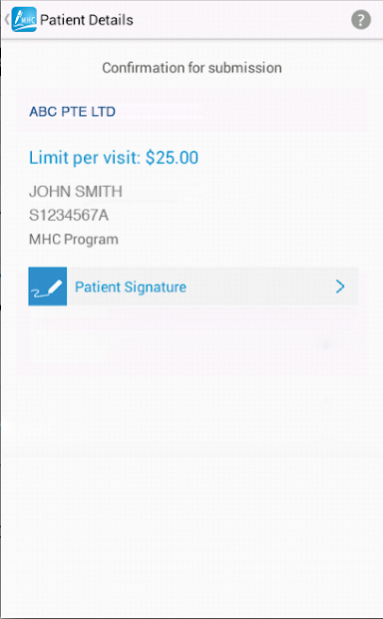
Verify if Patient's record is in the system, check Annual / Per Visit Cap limit
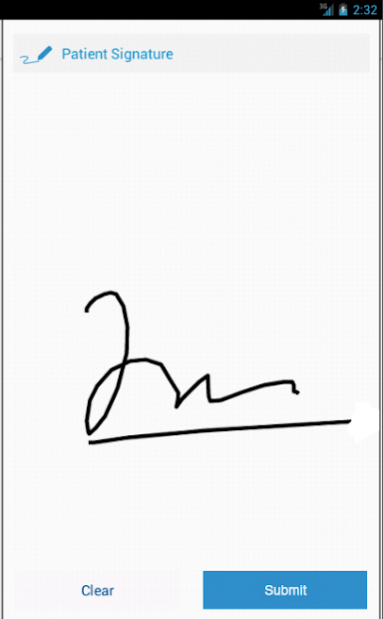
✔ Patient's Signature
Create a new Open Visit with patient's signature.
At MHC, we Make Health Connect.
About MHC:
MHC is a leading medical and health technology Company specialising in Managed Care, Third Party Administration (TPA), Workplace Health Programmes and Health Screening Services in Singapore and the region.
MHC uses technology such as this App to simplify the process of medical claims processing and empower the stakeholders in healthcare by linking up the healthcare providers (e.g. doctors and dentists) to the patients, employers and insurers.
Website: http://www.mhcAsia.com
About MHC Clinic Login (for clinics)
The company that develops MHC Clinic Login (for clinics) is MHC Medical Network (MHC Asia Group). The latest version released by its developer is 1.24. This app was rated by 1 users of our site and has an average rating of 4.0.
To install MHC Clinic Login (for clinics) on your Android device, just click the green Continue To App button above to start the installation process. The app is listed on our website since 2018-01-29 and was downloaded 28 times. We have already checked if the download link is safe, however for your own protection we recommend that you scan the downloaded app with your antivirus. Your antivirus may detect the MHC Clinic Login (for clinics) as malware as malware if the download link to com.mhcasia.mhcclinicauthenticator is broken.
How to install MHC Clinic Login (for clinics) on your Android device:
- Click on the Continue To App button on our website. This will redirect you to Google Play.
- Once the MHC Clinic Login (for clinics) is shown in the Google Play listing of your Android device, you can start its download and installation. Tap on the Install button located below the search bar and to the right of the app icon.
- A pop-up window with the permissions required by MHC Clinic Login (for clinics) will be shown. Click on Accept to continue the process.
- MHC Clinic Login (for clinics) will be downloaded onto your device, displaying a progress. Once the download completes, the installation will start and you'll get a notification after the installation is finished.
Program Details
System requirements
Download information
Pricing
Version History
version 1.24
posted on 2018-01-29
Version 1.24:-
- Updated Server
Version 1.23:-
- Updated App Icon
version 1.23
posted on 2015-01-20
Version 1.23:-,- Updated App Icon
